What is AI background music generator?
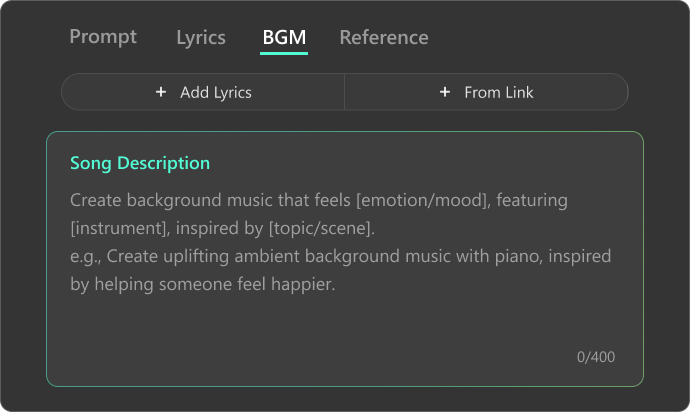
An AI background music generator uses advanced intelligence to create original, royalty-free instrumental tracks from text prompts or atmosphere settings, enhancing your project’s mood without distraction. With Somio AI BGM maker, simply enter a short description, select atmosphere, instruments, and tempo, and instantly generate high-quality music, perfect for videos, podcasts, or games, no musical experience needed.
Are there any free AI background music generators available online?
Yes, Somio AI offers a free online AI background music generator that lets you create and preview original background tracks effortlessly. Simply enter a short description, choose atmosphere, instruments, and tempo, and instantly generate music — no music production skills required.
Do I need musical experience to create background music with AI?
No prior musical knowledge is needed. With our AI music generator, all you need to do is describe the atmosphere or scene you have in mind, choose optional settings like instruments or tempo, and let the AI do the rest. Whether you're a beginner or an experienced creator, the process is designed to be simple, fast, and accessible to everyone.
Is AI-generated background music safe to use on YouTube?
AI-generated background music is generally safe to use on YouTube if it is royalty-free and cleared for commercial use. Always check the platform’s licensing terms before publishing. As an AI music creator for background music, Somio AI lets you generate royalty-free tracks quickly, providing a reliable and safe solution for any project.
What is the best AI background music generator for videos?
Somio is the best AI background music generator for videos. It quickly creates natural, full-length tracks that you can customize by adjusting atmosphere, instruments, and tempo. All tracks are high-quality and safe for commercial use, making it perfect for vlogs, ads, tutorials, and cinematic content — even if you have no music experience.
Is there an AI background music generator with no copyright restrictions?
Many creators look for AI background music generators with no copyright restrictions to avoid licensing issues. The key is to choose a platform that provides royalty-free music for commercial use. With Somio AI, you can create background music with AI that is royalty-free and ready-to-use for videos, apps, tutorials, and marketing projects.
How do I create background music with AI?
Using AI to create background music is simple:
1. Enter a short description of the atmosphere or scene you want (e.g., “calm ambient music for a study video”).
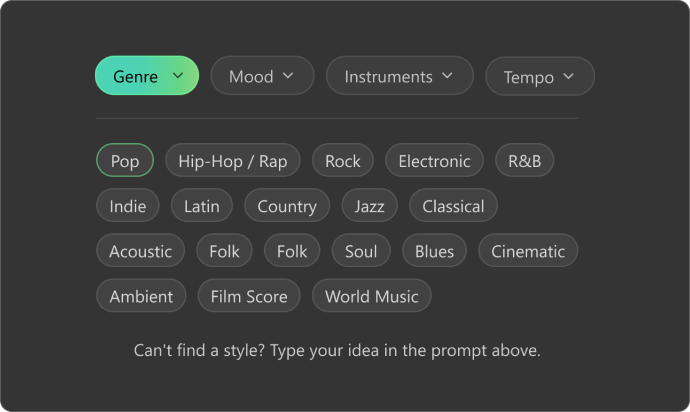
2. Choose optional settings such as atmosphere (Chill, Peaceful, Inspiring), instruments (piano, synth, strings), and tempo (slow, medium, fast).
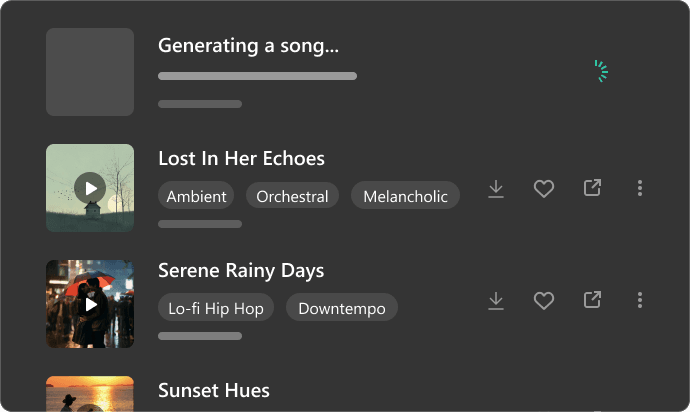
3. Click “Create,” wait a moment while your AI-generated background music is generated, then preview it. You can then download and use it in your project.
What styles of AI background music can I generate with Somio AI?
With Somio AI, a free AI background music maker, you can generate tracks in styles like cinematic, classical, lo-fi, hip-hop, electronic, jazz, and chillout. Choose atmospheres like Calm, Cozy, Ambient, Focused, or Dreamy, select instruments such as piano, guitar, synth, strings, or drums, and adjust the tempo. Perfect for videos, games, tutorials, study sessions, and more.