Describe Your Cover Art
Enter a description of the cover you want to create, including the subject, theme, mood, colors, typography, or visual direction. You can also upload a reference image alongside your description for more visual inspiration.
Create unique cover art for singles, mixtapes, and albums with AI. Turn your music ideas into eye-catching artwork in just a few clicks.
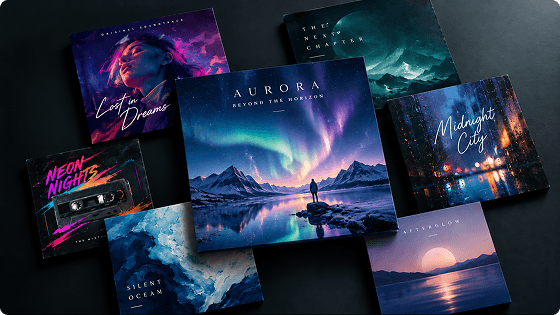
Explore cover art examples created with Somio and see how different prompts, visual styles, and creative directions can shape each design.
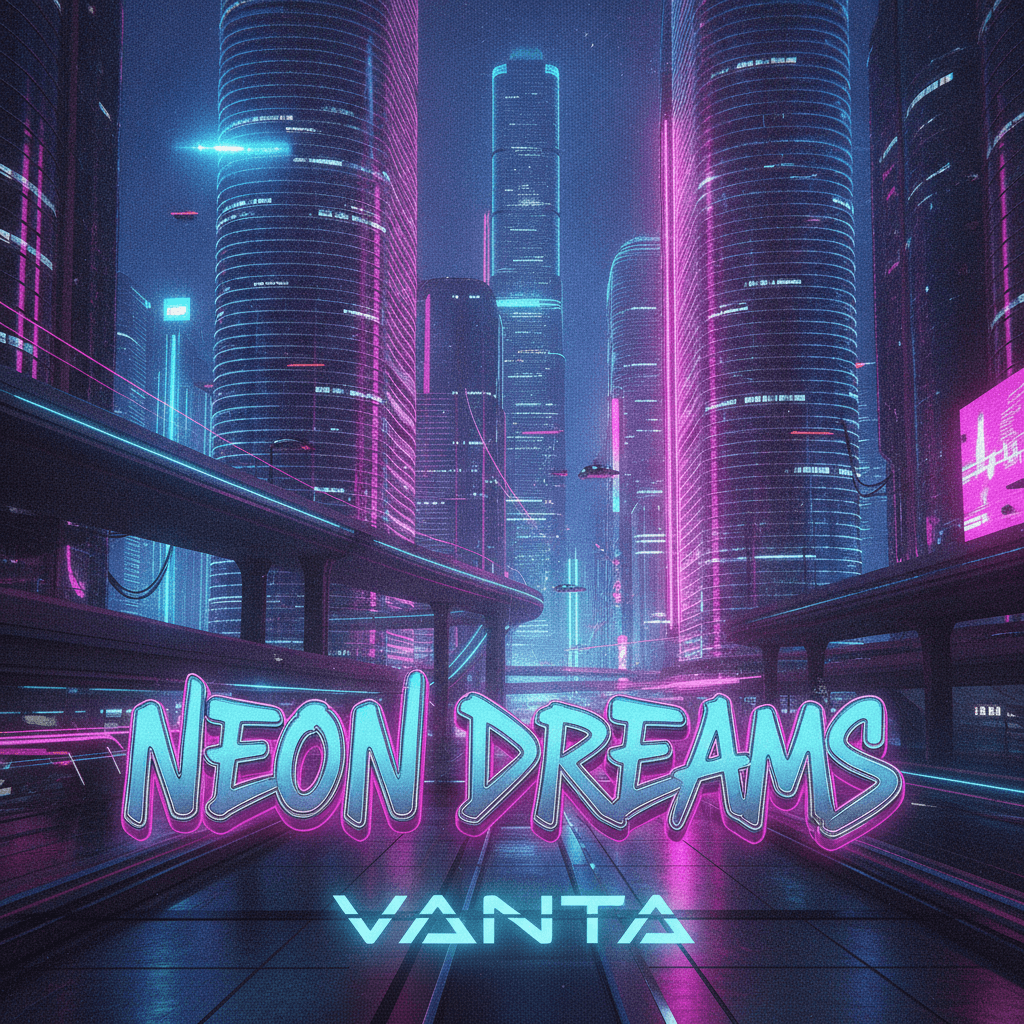
Prompt:
A futuristic chrome city at night with glowing neon lights, electric blue and magenta reflections, dramatic shadows, and a bold cyberpunk atmosphere. Add the song title “NEON DREAMS” in large custom graffiti-style lettering with a metallic 3D effect, and place the artist name “VANTA” underneath in sleek futuristic typography.
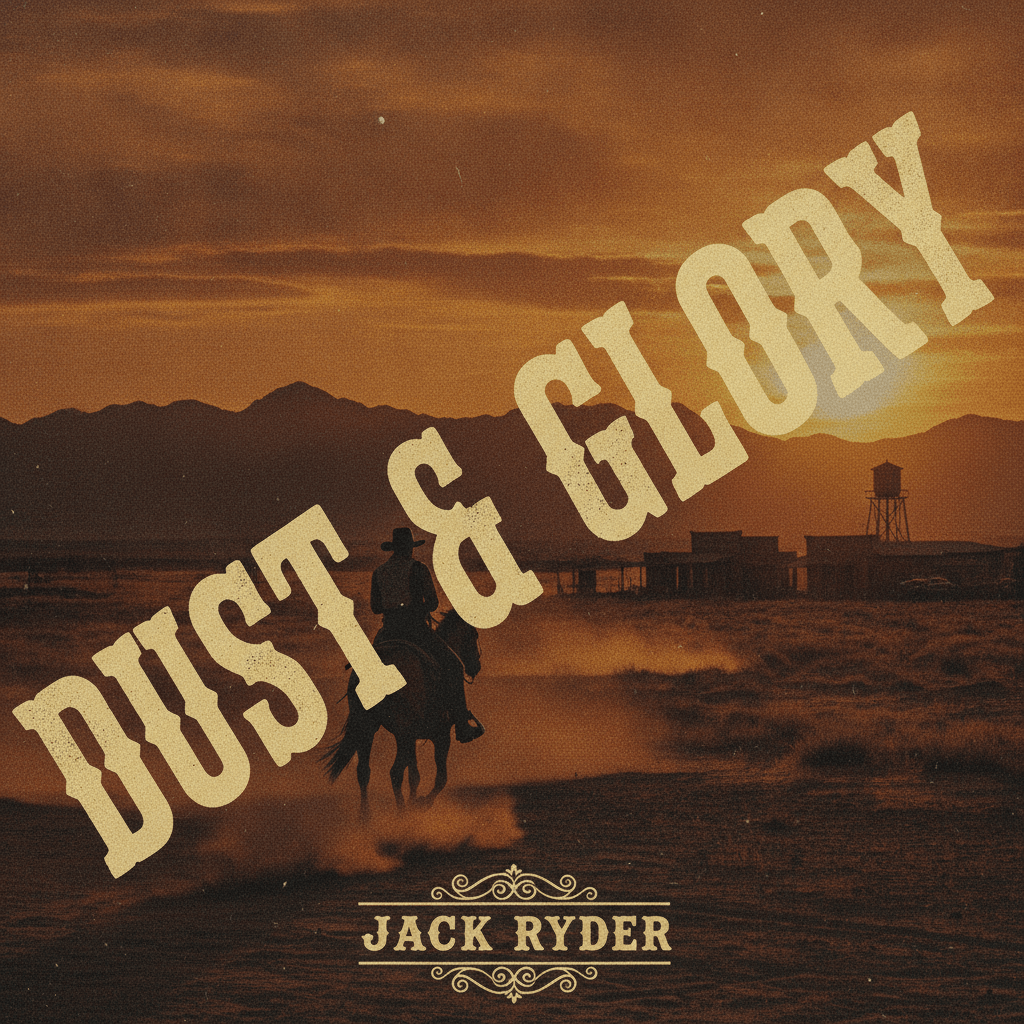
Prompt:
A cinematic Wild West sunset with a lone cowboy riding across a dusty desert, distant mountains and a frontier town in the background. Warm earthy tones, vintage film grain, and a rugged retro album-cover aesthetic. Place “DUST & GLORY” in large, bold Western lettering, running diagonally across the entire cover from the lower left to the upper right. Add “JACK RYDER” in smaller vintage type.

Prompt:
Create a cinematic music album cover featuring a lone figure walking through a snowy forest at dusk, with soft light filtering through the trees and a quiet, atmospheric mood. Add the Polish title “ŚWIATŁO W CIENIU” in large artistic lettering, running diagonally across the cover. Place “ŻANETA” in smaller typography near the bottom. Keep all Polish characters accurate.
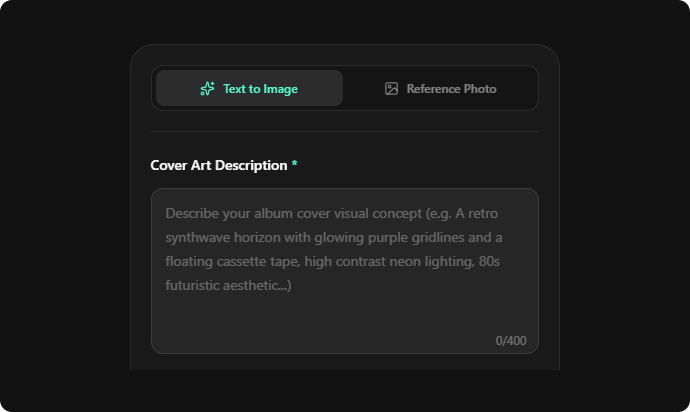
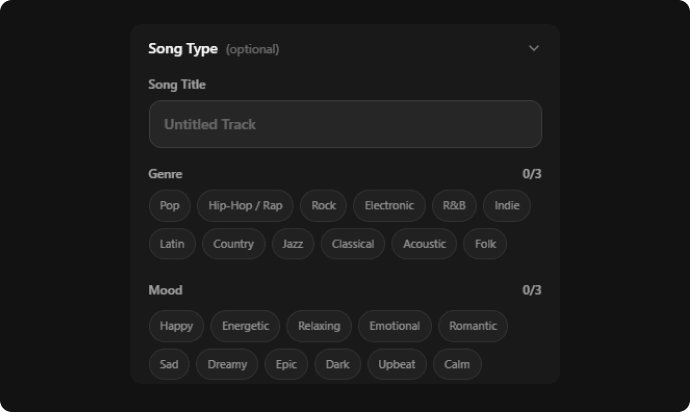
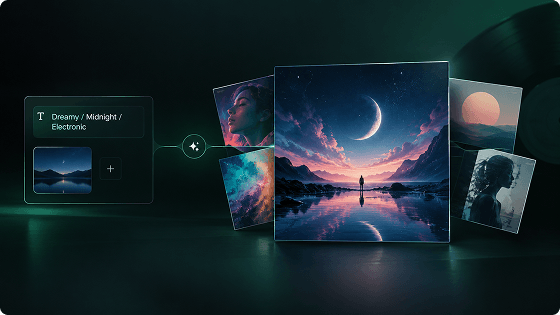
Start with a simple idea and describe it in your own words. Our AI cover art generator turns your text into original album cover art, whether you're imagining a song theme, scene, character, or concept. You can also add a reference image alongside your description to create image to album cover designs with extra visual inspiration.
Your prompt can define far more than the main image. Describe the typography, composition, layout, colors, and more to create everything from cartoon cover art and indie artwork to bold rap and metal designs. With our album cover creator, you can explore different creative directions without being limited to a fixed cover art template.
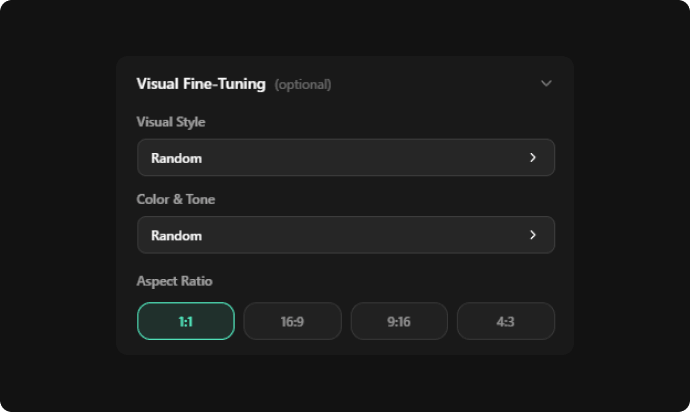
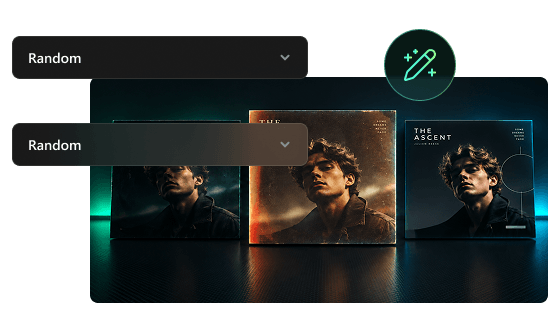
Not sure where to start with your visual direction? Our AI cover art generator offers presets to explore different looks quickly. Adjust the Visual Style with options like Cinematic, Anime, and Vintage, and pick Color & Tone choices like Warm, Cool, and Neon. Mix and match the settings to create a custom album cover that fits your music.
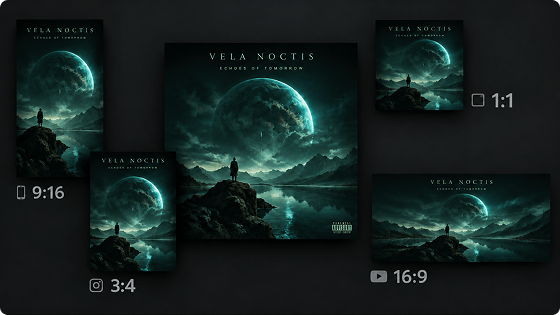
Choose the right format for every release with 1:1, 9:16, 16:9, and 4:3 aspect ratios. Use our album cover generator to create square single cover art for music platforms, vertical artwork for social media, or landscape designs for other creative projects. With our album cover maker, you can easily make album covers in the size that fits your needs.
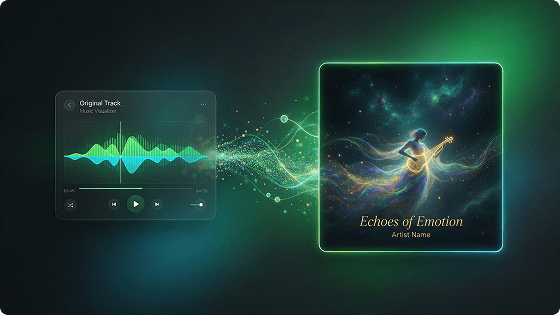
Upload your song and let your music guide the visual direction. Our AI cover art generator analyzes your track to create visuals that match its musical character, energy, and overall feel. Select genre and mood options for creative guidance, then make cover art that connects to your music, from atmospheric visuals to bold and dynamic designs.
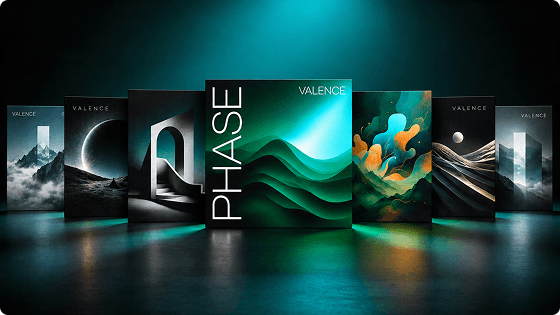
Make cover art for every type of release, from single cover art and albums to mixtapes and playlists. Add a song title or other text when you need a traditional cover design, or generate artwork without text for a cleaner look. Our AI cover art maker lets you create album covers, make mixtape covers, and other music visuals for different releases.
Create album cover art with text in different languages to match your audience and music style. Enter your title, artist name, or other text in the language you need, and generate a custom album cover that fits your release.
Turn your ideas into unique cover art in seconds with our AI cover art generator. Describe the look you want, choose your preferred settings, and quickly create album covers without spending hours on manual design or editing.
New users get 10 free credits to try our free AI album cover generator at no cost. Use your credits to explore different visual directions, create cover art, and find a look that works for your music before deciding on your final design.
Create cover art for music, books, podcasts, social content, and other creative projects with flexible tools for different visual needs.
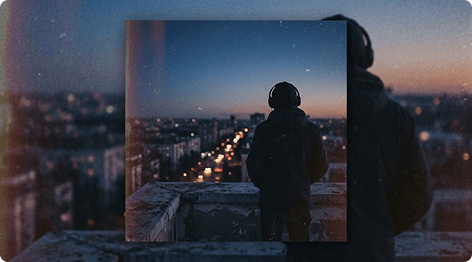
Need artwork for a new single, EP, album, or mixtape? Use your song’s theme, lyrics, or overall mood as the starting point and add the title or artist name directly to the design. Our AI music cover art maker makes it easy to create visuals that feel connected to your release.

Our AI cover art maker works for more than music releases. Give novels, ebooks, short stories, and other written projects a cover. Describe the story, characters, or atmosphere to shape the artwork, or use a reference image when you already have a particular image.
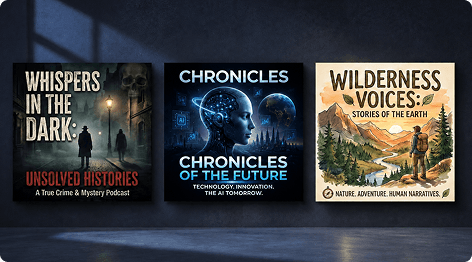
Create cover art for podcasts, audio dramas, interview series, or themed collections. Build the design around the show’s subject, and keep the visuals consistent across a series. With our AI cover art creator, you can create artwork to use as a podcast cover or other audio content visuals.
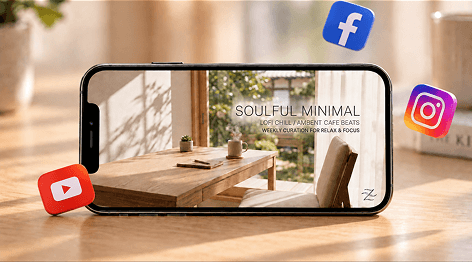
Our AI cover art generator also works for YouTube videos, social posts, playlists, posters, and other creative projects. Choose 1:1, 16:9, 9:16, or 4:3 based on where you’ll use the artwork, then combine text prompts, reference images, and visual presets to match the format.
Create AI instrumental tracks without vocals for songwriting, music projects, videos, and more, with the style you want.
Generate songs with your own voice using AI. Verify your voice and use it when creating new songs for a more personal sound.
Create AI rap songs with catchy flows, powerful beats, and explore new ideas when you need a little creative inspiration.
Create catchy jingles for brands, videos, podcasts, and more with AI-generated music that makes your message memorable.
Extend your favorite tracks with AI and add new sections that flow naturally from the original music for a seamless continuation.
Remix your existing songs with AI for a new sound. Change the vocals, lyrics, or musical style to create a different version.
An AI cover art generator is an online image generation tool that uses AI to turn your ideas, reference images, and music into original artwork. Guide the look with your description and settings to create cover art that meets your needs. You can use it to create album covers, single cover art, mixtape covers, and other artwork for music and creative projects.