1
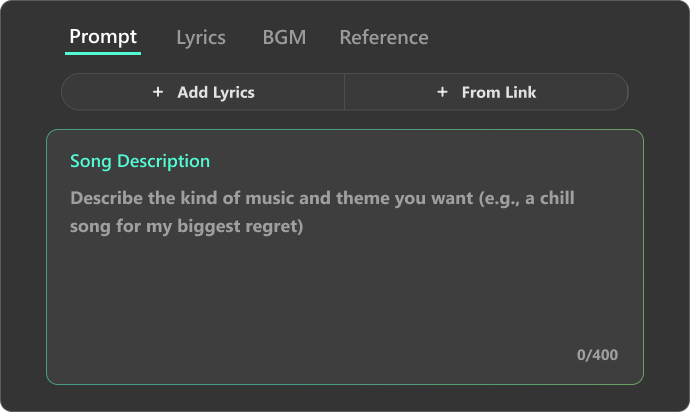
Enter Instrumental Prompt
Typing your idea into the text prompt box. (e.g., A smooth and relaxing instrumental perfect for a quiet evening in a cozy café with soft lights). Clear prompts help our AI instrumental generator create accurate music.
2
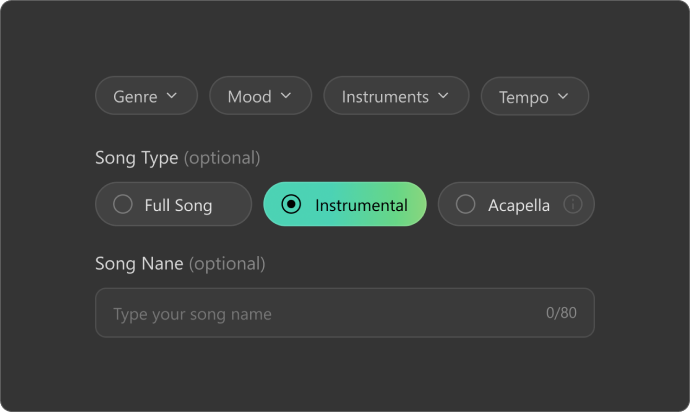
Adjust Instrumental Settings
You can adjust the instrumental by choosing a mood — such as Happy, Energetic, or Relaxing — and a genre like Pop, Classical, or Country. This step is optional, but it helps the music better match the vibe you’re aiming for.
3
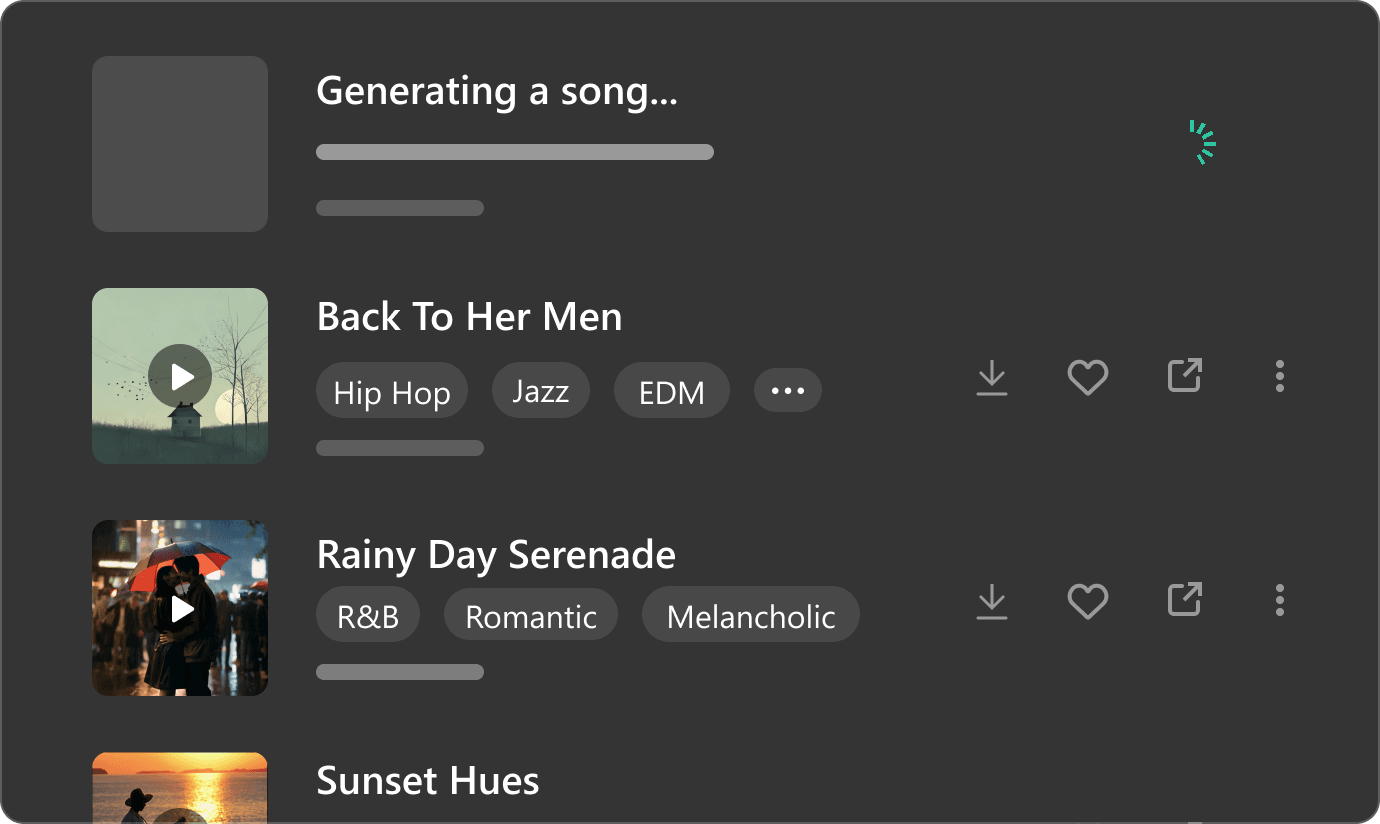
Make a Song Instrumental
Once your prompt and settings are ready, select the “Instrumental” option click “Create” to generate your instrumental. Our AI instrumental music generator will optimize and create a studio-quality AI instrumental track in minutes.