Upload Music and Choose a Background
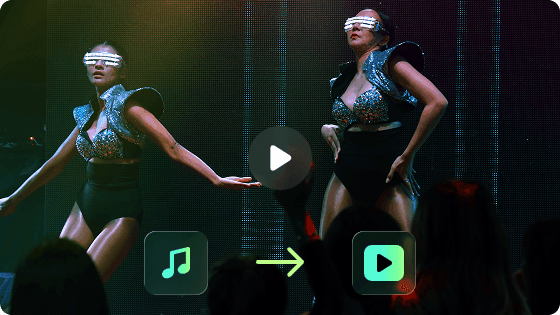
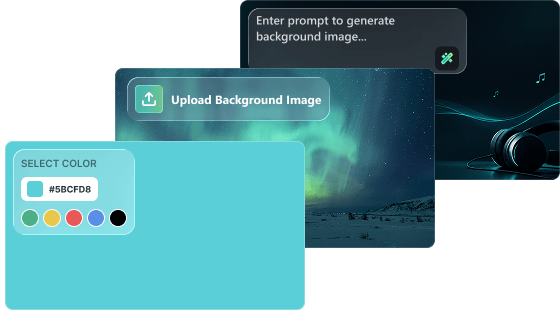
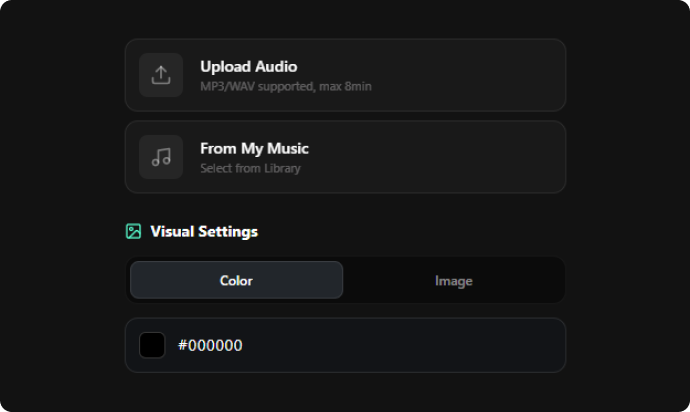
Start by adding your music to our AI lyrics video generator. Upload MP3 or WAV files, or select a track from My Music. Then choose a background color, upload a background image, or generate one with a prompt.
Customize Your Video Settings
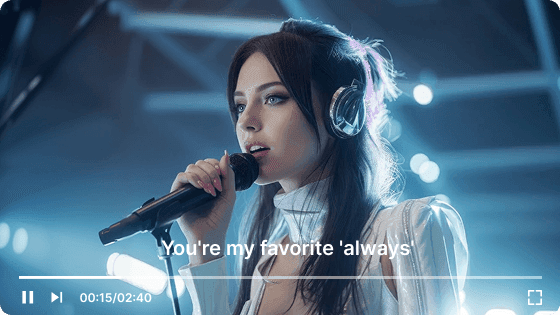
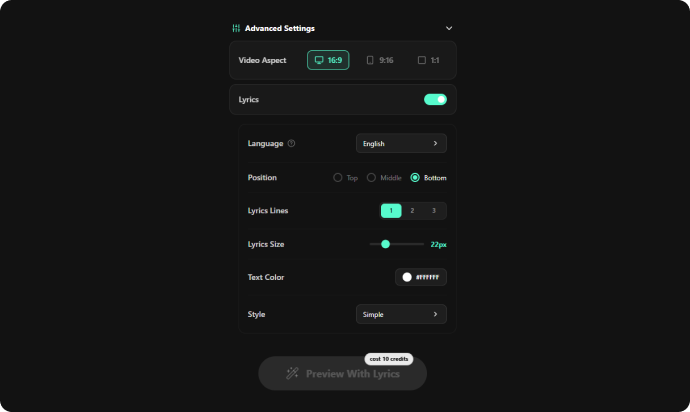
Adjust your video settings to match your style. Choose the aspect ratio, lyrics position, subtitle style, text size, and other options to create a lyrics video that fits your music. Then click the "Preview With Lyrics" button.
Edit and Sync Your Lyrics
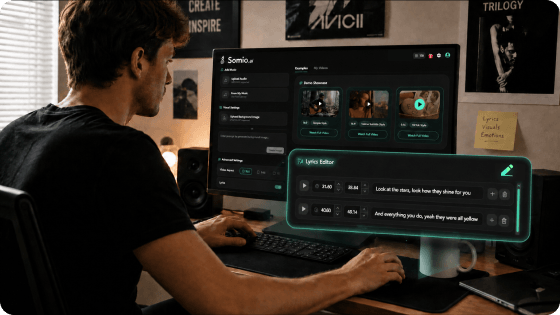
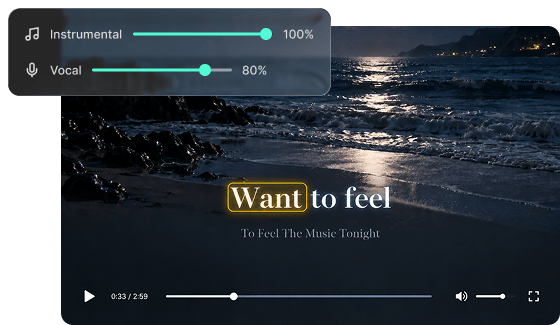
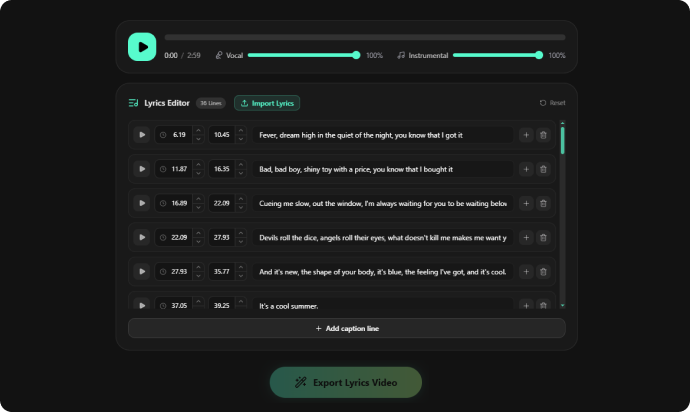
Review and fine-tune the automatically transcribed lyrics in your AI-generated lyrics video. If major changes are needed, import the correct song lyrics directly. You can adjust the Vocal and Instrumental volumes separately before exporting.
Download Your Lyrics Video
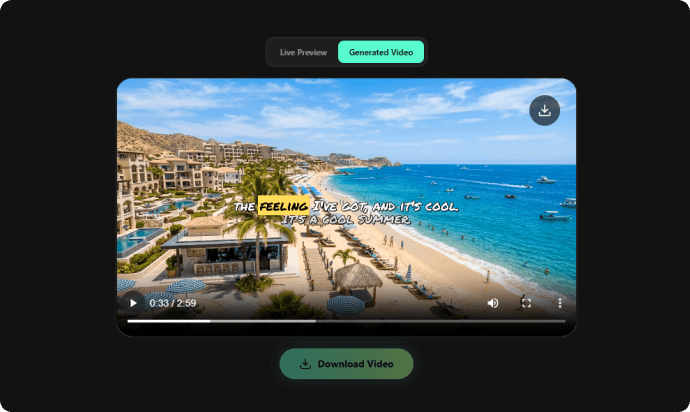
Click the "Export Lyrics Video" button to create the final video when everything looks right. Download your video, or return to Live Preview to adjust your visual settings and regenerate it without using extra credits.