1
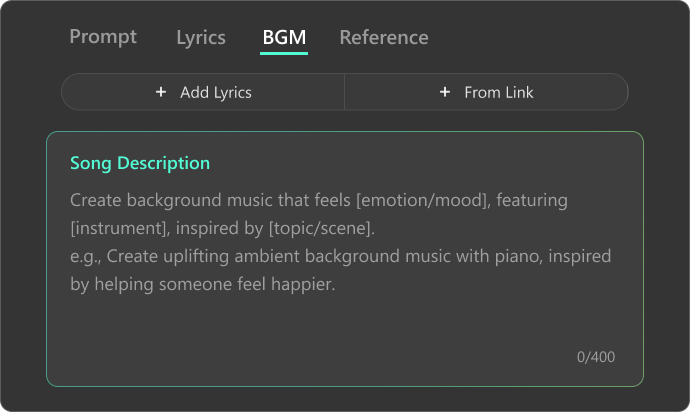
Describe Your DJ Beat Idea
Enter a text prompt describing the vibe, tempo, instruments, or mood you want, or drop a video link you love. The more precise your input, the more accurate the AI turns your vision into a unique DJ-style beat that sounds exactly like you imagined.
2
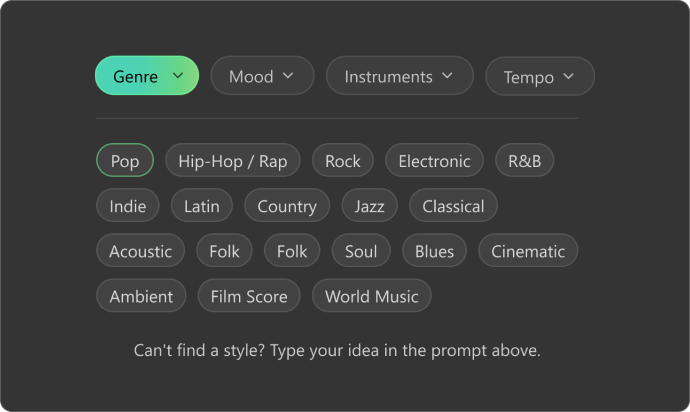
Customize Your Beat Vibe
Customize rhythm and dynamics to set your track's energy — slower BPM for chill vibes, faster for high intensity. Layer drums, bass, synths, and instruments, then shape your beat's atmosphere to create a sound that's uniquely yours.
3
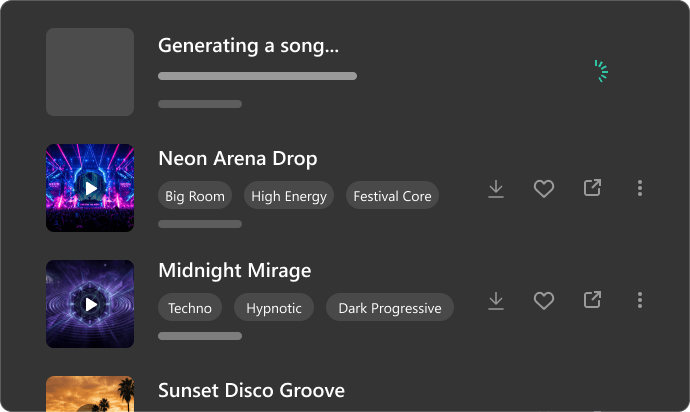
Generate and Download the Beats
Hit "Create" and watch your custom beat come to life in seconds. Preview, tweak, and explore variations until it's perfect. Then download as MP3 or WAV formats, ready to use in your DJ sets, videos, or personal projects.